Welcome to Uber Posts! Uber Posts lets you post an article that will go to your blog and then directly to your social accounts! Here’s how:
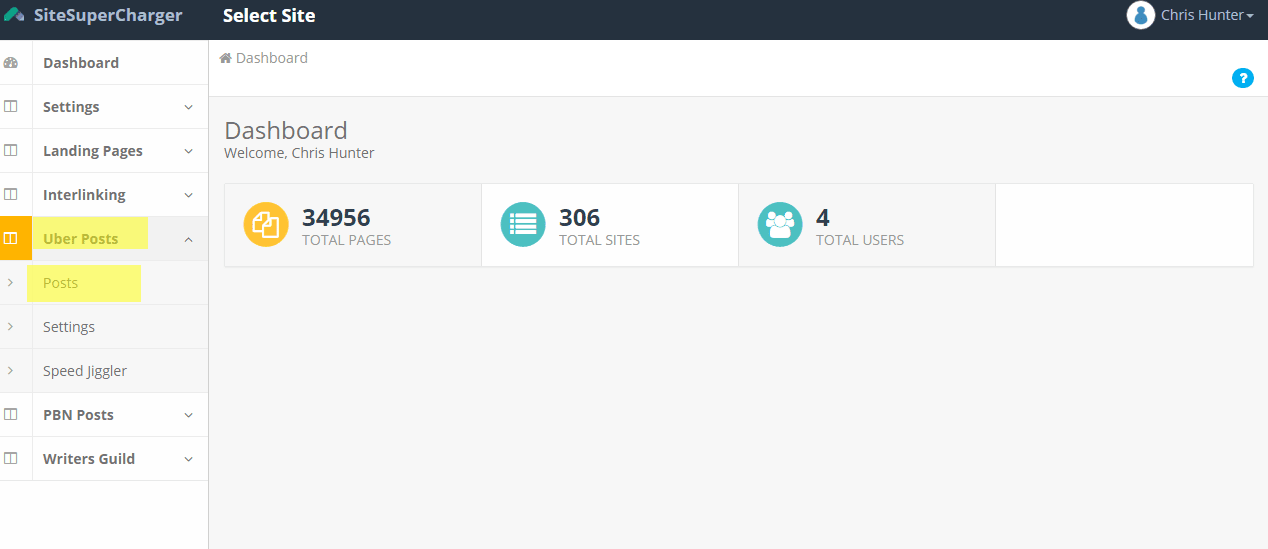
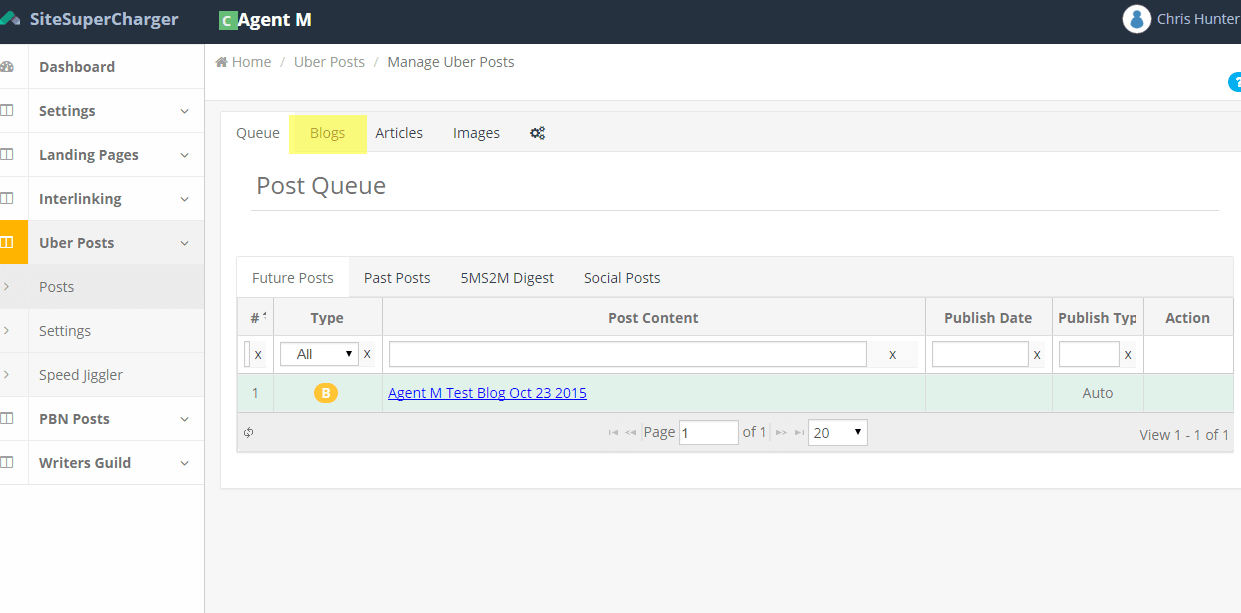
- Log in to SiteSuperCharger (yours will look a little different) and click on Uber Posts and Posts
- You will see this screen which includes past, future, and queue posts, as well as the 5 Minute Social Media Manager
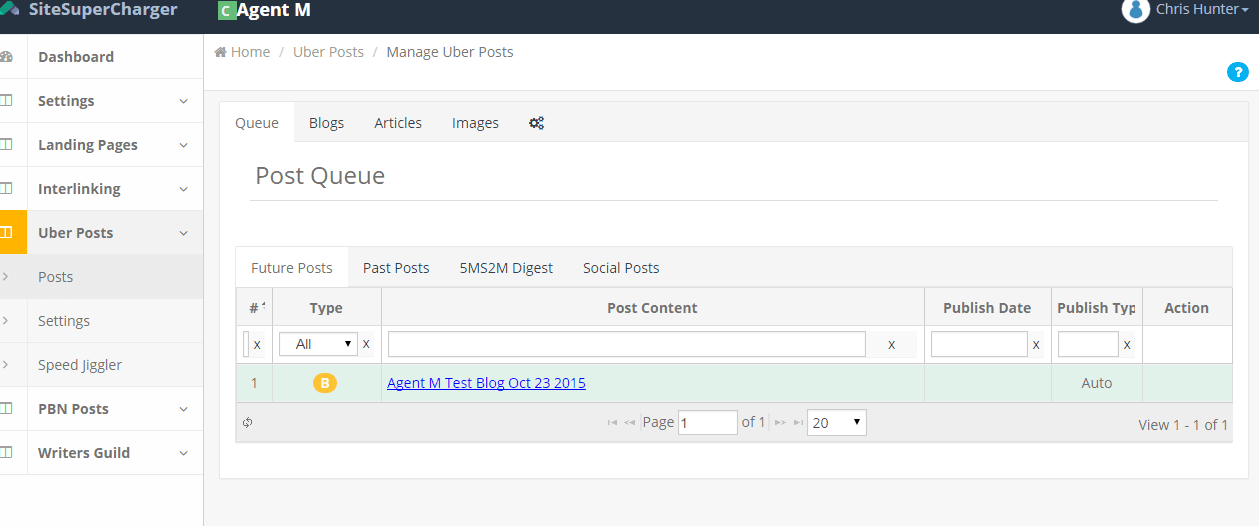
- Click on Blogs
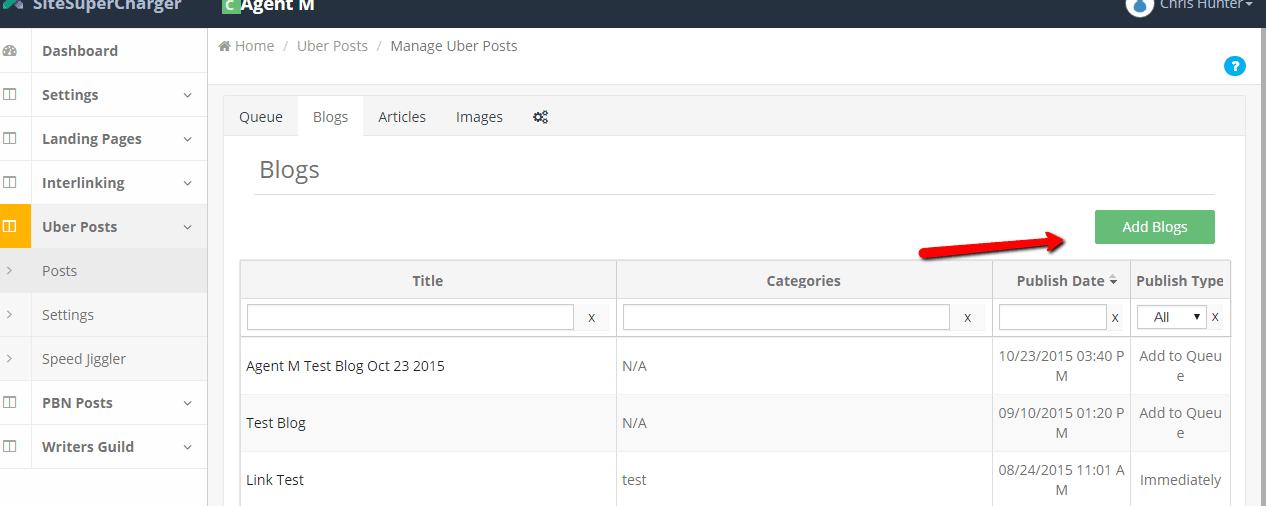
- Click on Add Blogs
- Give your post a title, select the categories
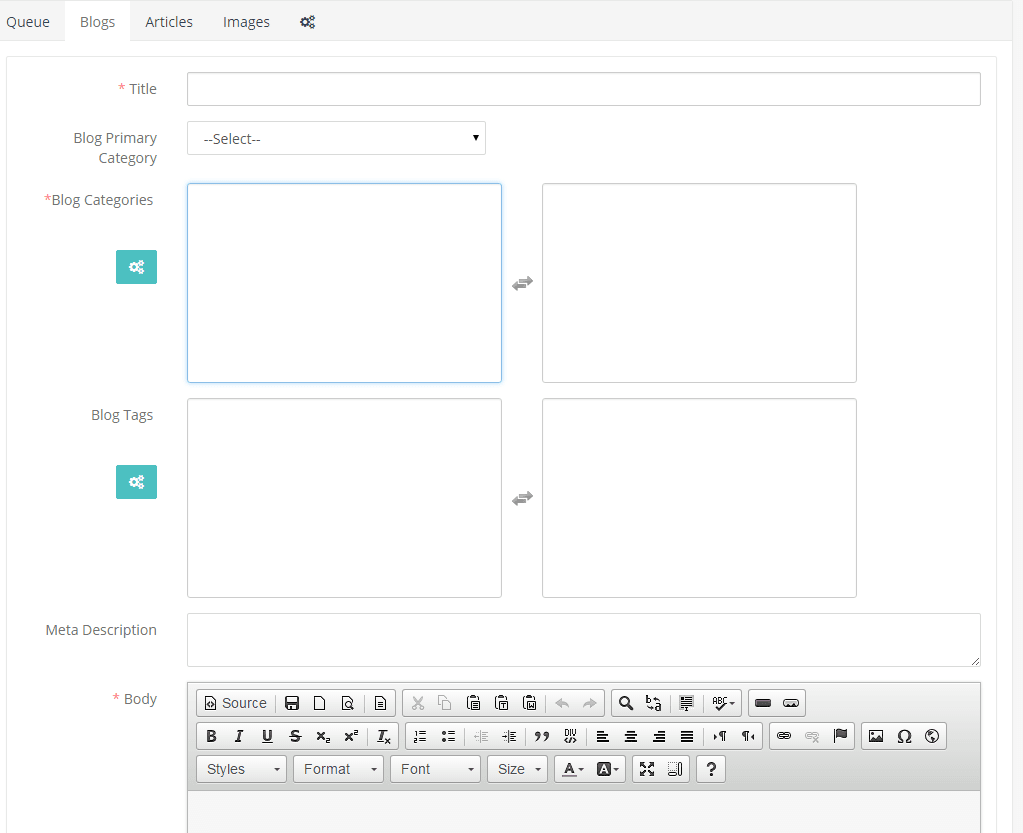
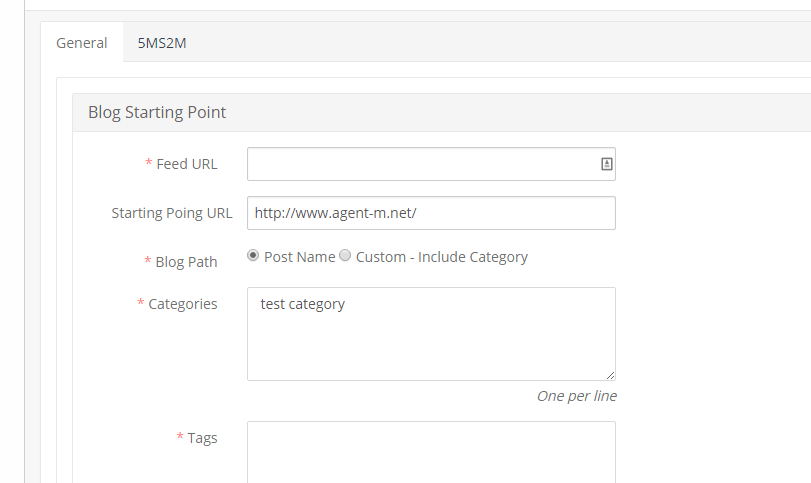
- **If you do not have categories already listed click on the green button and you will be redirected to add categories. You must do this before you post an article.
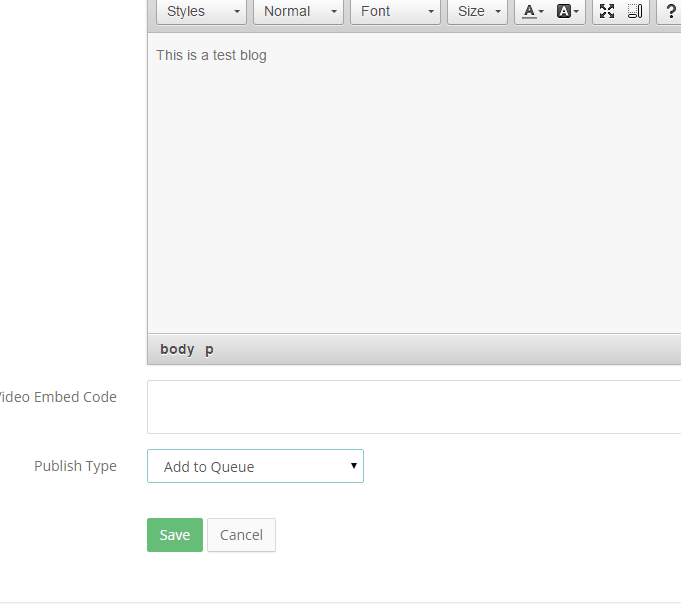
- Writer your blog and select the publish type.
Schedule – schedule a specific day and time to publish
Add to queue – adds to your queue and will publish on its own
Immediately – will publish immediately
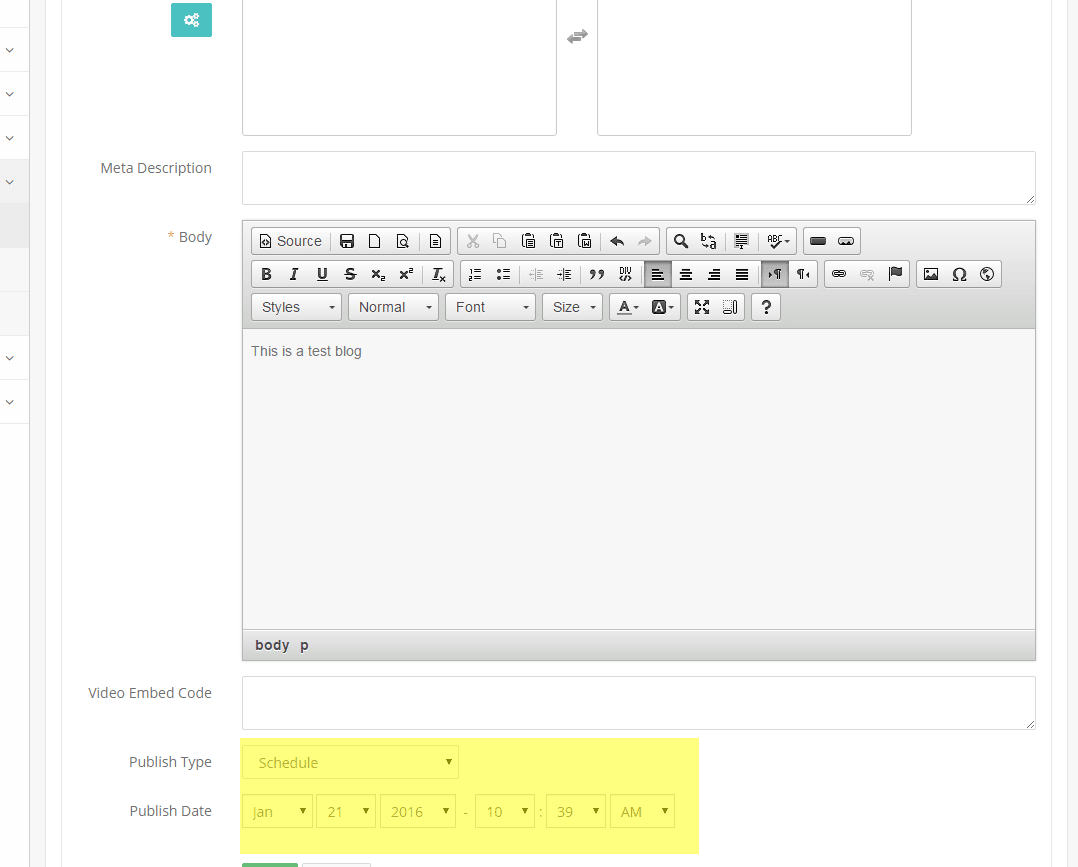
- Select publish type and click save